Shape your own cue.
Adjust proportions, compare woods and wraps, and refine points, veneers, and rings. Review the result in 2D and 3D.
Billiards Innovations LLC
Bring your custom cue concept into focus. Explore construction, materials, and intricate details in 2D and 3D with Cue Designer Pro.
Follow every selection, from materials and wraps to detailed inlays and CAD/CAM exports. Press Play to begin; use CC for captions.
From idea to design
Explore your options on screen before committing materials in the workshop.
Adjust proportions, compare woods and wraps, and refine points, veneers, and rings. Review the result in 2D and 3D.
Import existing artwork, size and repeat motifs around the cue, and layer inlays to develop a design of your own.
Export dimensioned inlay outlines for your CAD/CAM workflow. Set machining details and create toolpaths in your receiving software.
A closer look
Actual views from the walkthrough. Select an image to inspect the full software screenshot.
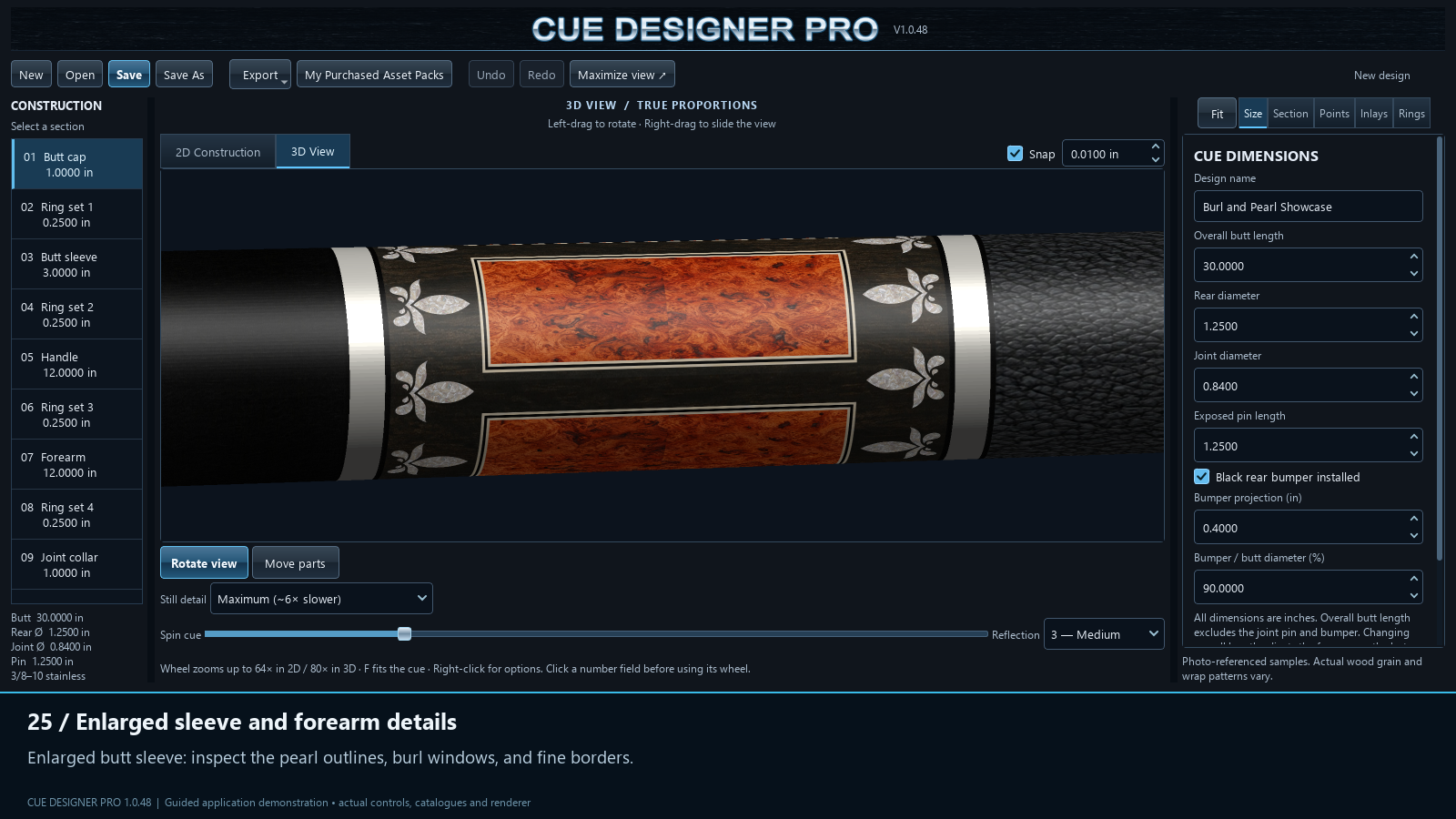
Burl windows and pearl motifs framed by fine borders and contrasting rings.
View full screenshot ↗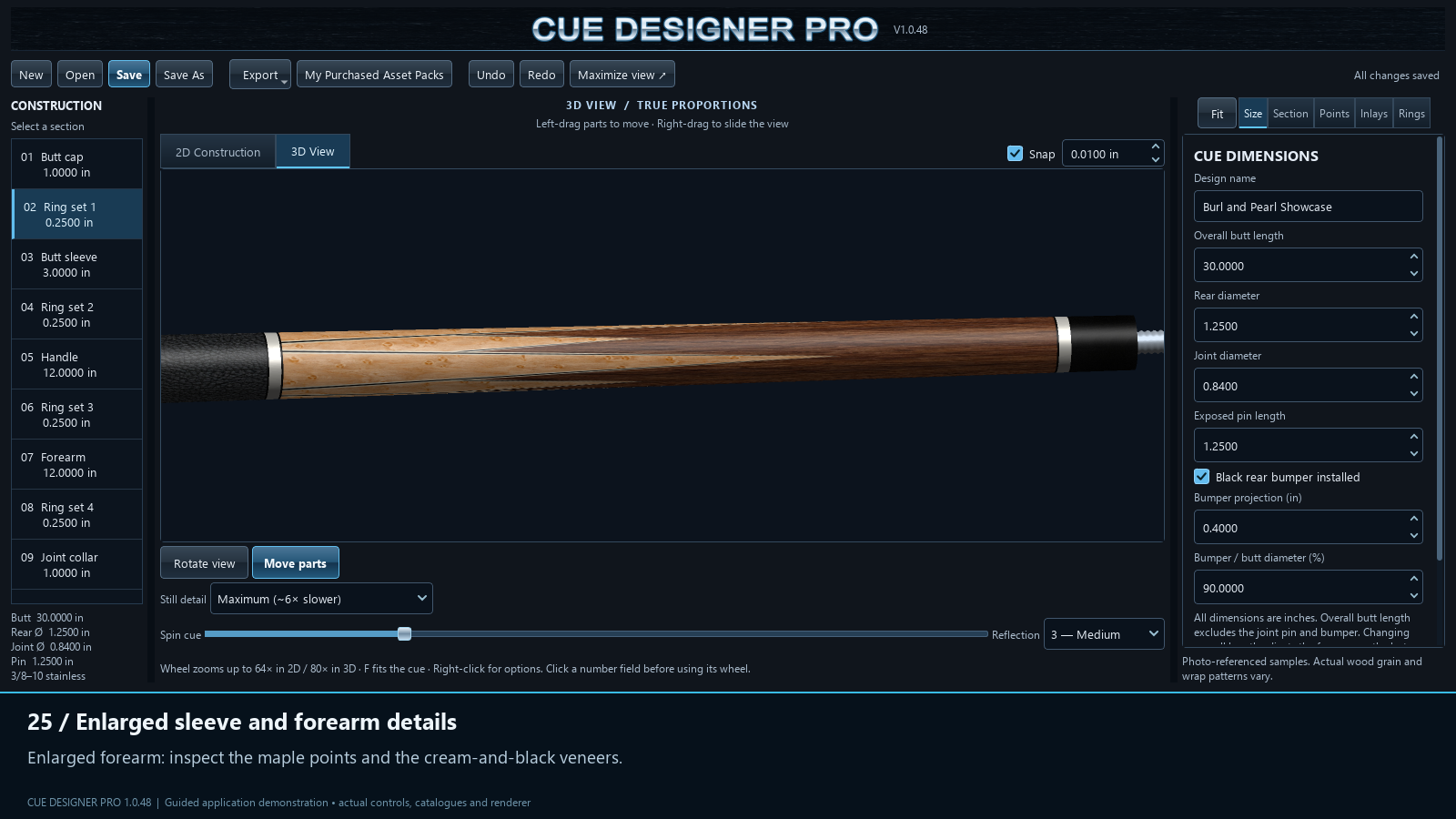
Bird’s-eye maple points, fine veneers, and a rosewood forearm meet a black leather wrap.
View full screenshot ↗Material previews are visual references. Actual wood grain and wrap patterns vary.
Your next step
Try it free for 14 days, compare licenses, and get ready to create your first design.
Get Cue Designer Pro →More ways to explore
See the workspace and discover the design tools.
Take the guided tour →Explore Cue Designer Pro and check the next steps.
Get Cue Designer Pro →Start a design or find information about member access.
Start your first design →Member access informationLearn
Follow a straightforward introduction to planning and reviewing your first cue design.
Open the first-design guide →Support
Find help with activation, missing license emails, renewals, and purchased packs.
Open support →Cue Designer Pro Hub
Your account remains on Billiards Innovations. Open the Hub and select Log In / Sign Up, then Log In. Use your existing account; no new registration is needed here.
Open your existing Hub ↗Opens in a new tab so you can return to this website.